


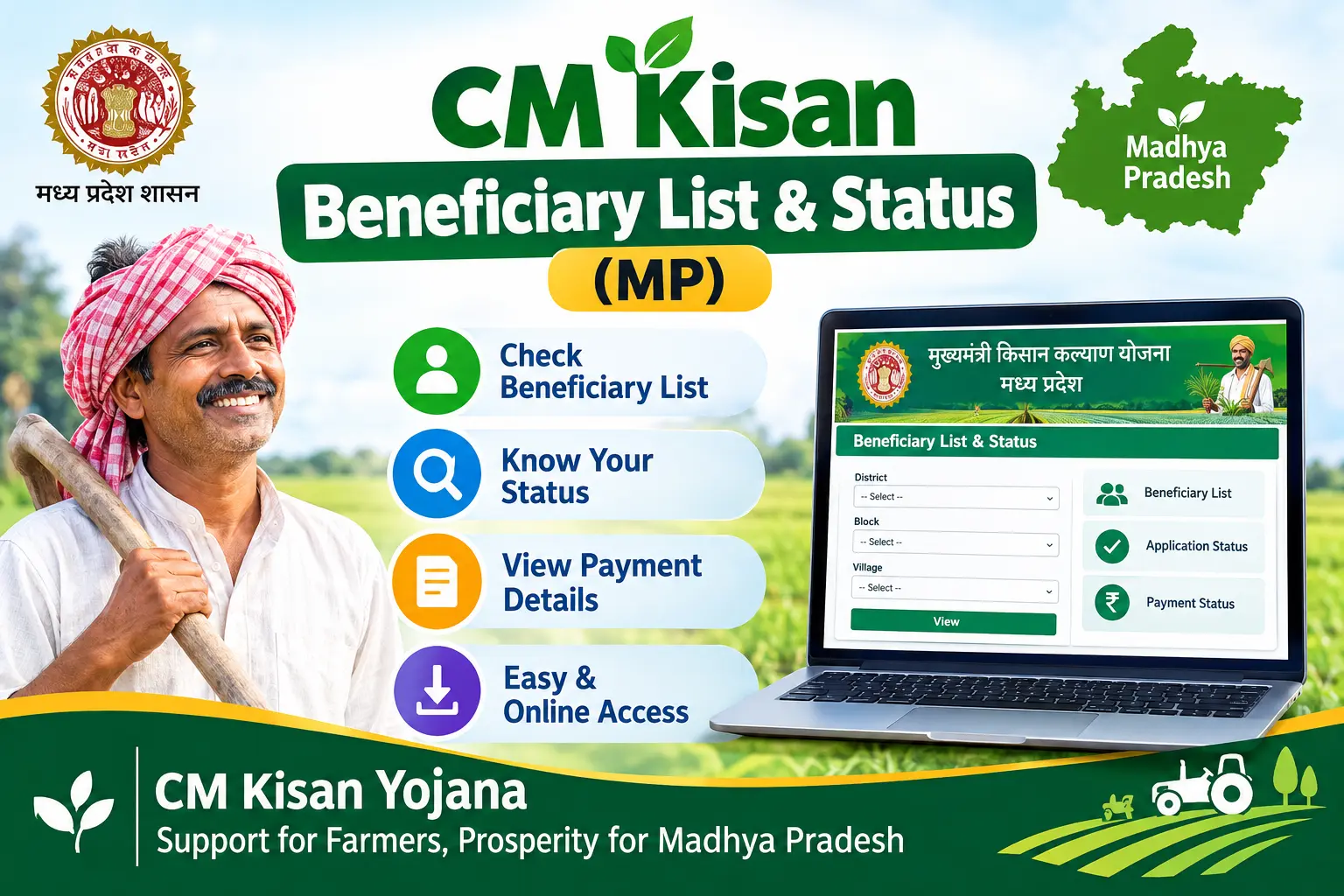
Your PM-KISAN installment arrived last quarter, but this time the bank account shows nothing. Or perhaps your neighbour received his ₹2,000 credit while your cm kisan beneficiary list entry still reads “pending.” For farmers in Madhya Pradesh relying on the Mukhyamantri Kisan Kalyan Yojana to cover seed, fertiliser, or diesel costs before sowing season, that gap between “eligible” and “paid” is not a minor inconvenience—it is the difference between planting on time and borrowing at high interest.
This guide walks through what the scheme actually provides, how to verify your name and payment status on the SAARA portal and MP Kisan app, why installments get stuck at the e-KYC or land-seeding stage, and what to do when the money simply does not arrive.
What the CM Kisan Kalyan Yojana Actually Provides
The Mukhyamantri Kisan Kalyan Yojana is Madhya Pradesh’s top-up to the central PM-KISAN Samman Nidhi. Where PM-KISAN pays ₹6,000 a year to eligible farmers nationwide, the state adds a matching ₹6,000—bringing the combined annual benefit to ₹12,000 for farmers who qualify under both.
The state portion is ordinarily released in three installments of ₹2,000 each, though the state has at times disbursed two installments together. Payments move through the Direct Benefit Transfer (DBT) system, meaning the money travels from the treasury to your Aadhaar-seeded bank account without passing through any intermediary.
The critical point for applicants: there is no separate state application form. The scheme draws its beneficiary list directly from the PM-KISAN database of Madhya Pradesh farmers. If your PM-KISAN registration is active and verified, your name generally flows into the state list automatically. If your PM-KISAN record has a problem, the state payment stops with it.
Discover More About:👇
Krishak Bandhu Status Check (West Bengal)
Kalia Yojana Status & New List (Odisha)
How to Check Your Name in the Beneficiary List
Two official channels exist: the SAARA portal (saara.mp.gov.in), which handles revenue administration and scheme reporting for the state, and the MP Kisan mobile app. The portal is the more dependable option when you need a printable status or a village-wise list.
Step 1: Open saara.mp.gov.in in a browser. The portal is built for both desktop and mobile, though the report tables display more cleanly on a larger screen.
Step 2: Locate the scheme report link—it typically appears under a heading such as “Chief Minister Kisan Kalyan Yojana Beneficiary Status.”
Step 3: Enter one identifier: your Aadhaar number, bank account number, or PM-KISAN registration ID.
Step 4: An OTP will be sent to the mobile number registered against your Aadhaar. Enter it to proceed.
Step 5: Your status screen will show whether your name is active, whether an installment has been released, and whether any requirement remains pending on your side.
Common pitfalls worth knowing before you start: If the OTP never arrives, the usual cause is a mobile number that was never linked to Aadhaar or was changed without updating the record. A single mistyped digit in the Aadhaar number or PM-KISAN ID will return a “no record found” result that looks identical to genuine ineligibility—recheck the number before assuming the worst. And the portal session times out fairly quickly, so keep your documents within reach rather than searching for them mid-form.
The MP Kisan app follows a similar flow, asking for Aadhaar-based login before showing your scheme benefit details.
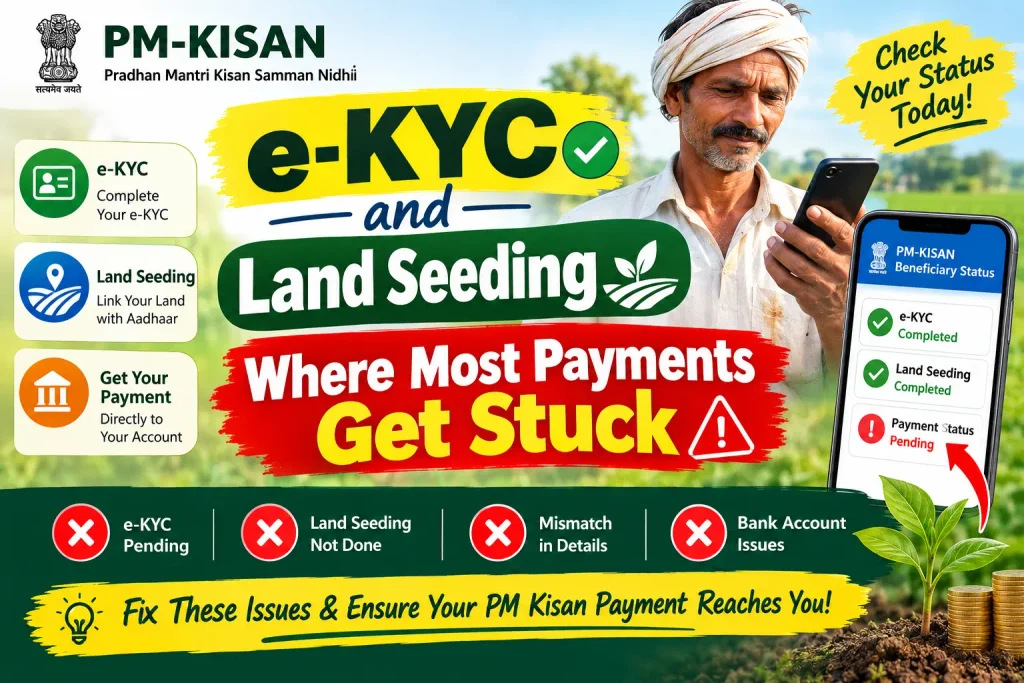
e-KYC and Land Seeding: Where Most Payments Get Stuck
Two verification steps decide whether your installment is released or held. Both sit on the PM-KISAN side, but because the state scheme mirrors that database, a gap in either one blocks your MP payment too.
e-KYC (electronic Know Your Customer) is the process of verifying that the person claiming the benefit matches the Aadhaar record—typically through Aadhaar OTP authentication. The central government made e-KYC mandatory for PM-KISAN, and incomplete e-KYC is now one of the most common reasons for withheld installments.
Land seeding links your land ownership records to your Aadhaar and PM-KISAN registration, so that the land you claim to farm is checked against official revenue records.
State government data from early 2026 recorded over 80,000 farmers in Madhya Pradesh with pending e-KYC and more than 158,000 with Aadhaar-bank account linking still incomplete. If your status shows “Incomplete” or “Pending” against either requirement, you can generally complete it through the SAARA portal, the MP Kisan app, or in person at your local Patwari office or a Common Service Centre (CSC).
Why Your Installment Hasn’t Arrived
Even with your name correctly listed, a payment can fail at the last stage. The usual culprits:
Aadhaar not seeded in your bank account. DBT credits require the bank account to be linked with Aadhaar. Without seeding, the transfer cannot be processed—the money is not lost, but it does not move. Your bank branch or the SAARA portal can confirm seeding status.
Account dormant, closed, or frozen. A dormant account rejects incoming credits. If you have not operated the account in months, make a small transaction or visit the branch before the next installment cycle.
Name mismatch across records. Small differences between the name on your land documents, your Aadhaar, and your bank record—an extra initial, a spelling variant—can fail verification. Correcting this usually means updating the Aadhaar record first, then the bank record.
Mobile number not linked to Aadhaar. OTP-based verification fails silently when the registered number is outdated. Updating it requires a visit to an Aadhaar enrolment or update centre.
A stopped PM-KISAN installment. Because the state benefit rides on the central database, any hold on your PM-KISAN payment—most often an e-KYC failure—freezes the MP installment as well.
If your payment is missing and your name appears in the list, work through these five checks in order before approaching anyone. In most cases the answer is visible on the SAARA status screen.
Documents Typically Required
For verification or correction work, keep the following ready:
- Aadhaar card — mandatory for identity verification and DBT
- Bank passbook or account details — for confirming DBT credit and seeding
- Land records (Khasra or Khatoni) — to verify cultivable land against revenue records
- Samagra ID — Madhya Pradesh’s family identification number
- Domicile or residence proof — ration card, voter ID, or similar
- Active mobile number linked to Aadhaar — required for OTP
- PM-KISAN registration number — if already enrolled
Farmers already receiving PM-KISAN generally do not file a fresh application for the state scheme. New farmers register under PM-KISAN first; the state benefit typically attaches once that registration is verified.
Frequently Asked Questions
Can I check the cm kisan beneficiary list without my Aadhaar number?
The SAARA portal usually accepts a bank account number or PM-KISAN ID as alternatives. In practice, though, Aadhaar remains the identifier most verification steps depend on, so keeping it accessible saves a second attempt.
What does the “5500” in cm kisan beneficiary status MP (5500) searches refer to?
Farmers frequently search with numerals attached—sometimes referencing installment amounts, sometimes beneficiary counts circulating on social media. These figures vary by source and are not a reliable indicator of your individual status. Your own payment position is best confirmed on the SAARA portal rather than through numbers shared in forwarded messages.
Is e-KYC mandatory for CM Kisan benefits?
Yes. e-KYC is mandatory for PM-KISAN, and because the state scheme draws from the same database, a pending e-KYC will generally hold your state installment as well.
How do I update my mobile number or bank details?
Changes to the mobile number or bank account linked with PM-KISAN are made through the PM-KISAN portal, your bank branch, or the local agriculture office. Because the MP scheme mirrors that database, an update there should reflect in the state system. Allow some time for the change to propagate before re-checking your status.
My name is in the list but the money hasn’t come. What now?
Check three things on the SAARA portal in sequence: e-KYC status, Aadhaar seeding, and land seeding. If all three show complete, visit your bank and confirm the account is active and Aadhaar-linked. If the account is fine and the payment still has not landed, your Patwari or district agriculture office can trace the transaction.
Can I download the beneficiary list for my whole village?
Yes. The SAARA portal offers village-wise reports—select your district, tehsil, and village to view the list for your area. This is also a practical way to confirm whether a delay is specific to you or affects the whole village, which changes who you need to approach.
Before You Re-Check
Give the system a reasonable window before concluding something is wrong. Statuses on the SAARA portal do not always refresh the moment a payment is processed; a lag of several days between sanction and display is normal. If your status still shows a pending requirement a fortnight after you completed it, that is the point to escalate in person rather than keep refreshing the page. And because installment schedules, portal layouts, and verification rules change between cycles, treat any figure you read online—including in this article—as a starting point, and confirm your specific case on the official SAARA portal or with your local agriculture office.

2 Comments
Pingback: Krishak Bandhu Status Check 2026 – West Bengal
Pingback: Kalia Yojana Status & New List 2026 – Check Online