


Your PM Kisan instalment is due, the beneficiary list shows your name, and yet the money hasn’t reached your bank account. Or perhaps the portal keeps rejecting your e-KYC, and the deadline is closing in. These are the moments when a working phone number matters more than any FAQ page. This guide gives you the official PM Kisan helpline number, explains what each support channel can actually resolve, and walks through the fixes you can attempt yourself before you dial.
PM Kisan Helpline Number: Official Contact Details
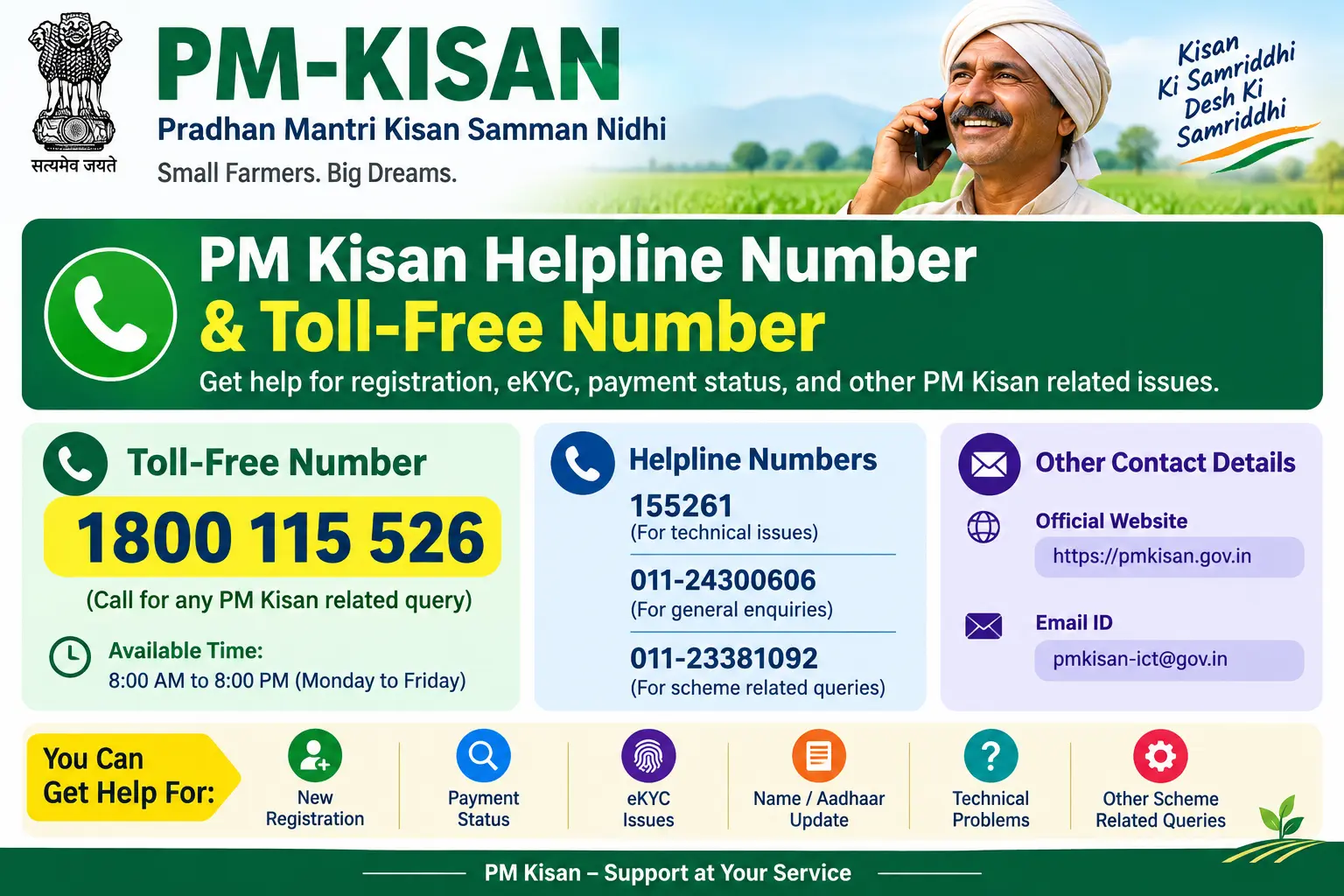
Three contact channels are currently in use for PM Kisan grievances. The PM Kisan toll-free number is 1800-115-526, free from any mobile or landline in India. If that line is busy — which happens often around instalment release dates — try the direct helpline at 155261, or the landline number 011-24300606 for calls from outside India or from numbers that can’t reach toll-free lines.
Keep your registration number or Aadhaar number within reach before you call. Without one of these, the representative has no way to pull up your record, and you’ll be asked to call back.
Discover More About:👇
PM Kisan Complaint & Grievance Kaise Darj Kare
When Calling the Helpline Actually Helps
The helpline is most useful when your problem is specific and traceable — a missing instalment you can prove you were eligible for, a payment that bounced back, or an e-KYC failure that repeated attempts haven’t fixed.
It is less useful for general questions. “Why hasn’t my money come?” is hard to answer over the phone; “My status shows FTO generated but no credit in my account” is something a representative can actually investigate. Before dialling, check your beneficiary status online so you can describe the exact error you’re seeing. That one step often shortens the call considerably.
How to Check Your Beneficiary Status Before You Call
The PM Kisan portal at pmkisan.gov.in has a self-service route that resolves a surprising number of queries on its own.
- Open pmkisan.gov.in and go to the “Farmers Corner” section on the homepage.
- Select “Beneficiary Status.”
- Enter your Aadhaar number, bank account number, or registration number.
- Complete the captcha and click “Get Data.”
Your status screen will show whether your record is active, the date and amount of your last credited instalment, your e-KYC state, and your land-seeding status. A common pitfall: the portal sometimes times out during heavy traffic, especially near instalment dates. If the page hangs after you click “Get Data,” wait a few minutes and retry rather than refreshing repeatedly — repeated refreshes can reset your session and force you to re-enter everything.
A second pitfall is entering the wrong identifier. If you use your registration number but it was never generated (common for applications stuck at the verification stage), the search returns nothing. In that case, search by Aadhaar instead.
You can also confirm your name against the beneficiary list by selecting your state, district, sub-district, block, and village. If your name is absent there, the problem is upstream — with your land records or application — and the helpline can only redirect you to your local revenue office.
Why Payments Fail: The Four Recurring Causes
Aadhaar–bank seeding problems. Since the shift to Aadhaar Payment Bridge, a payment fails if your Aadhaar is not mapped to your bank account at the NPCI mapper, or if it was de-seeded after an account change. A closed or dormant account causes the same result.
Name mismatch. If your name on Aadhaar differs from your bank record — a missing surname, a spelling variant, an old name — the DBT system can reject the credit. This is fixed at your bank branch, not at the CSC.
Incomplete e-KYC. This is now the single largest cause of withheld payments. No e-KYC, no instalment, regardless of how clean everything else is.
Land record gaps. If your land seeding is pending or your ownership records are outdated at the revenue office, your name may drop off the eligible list entirely.
e-KYC: Which Method to Try, and in What Order
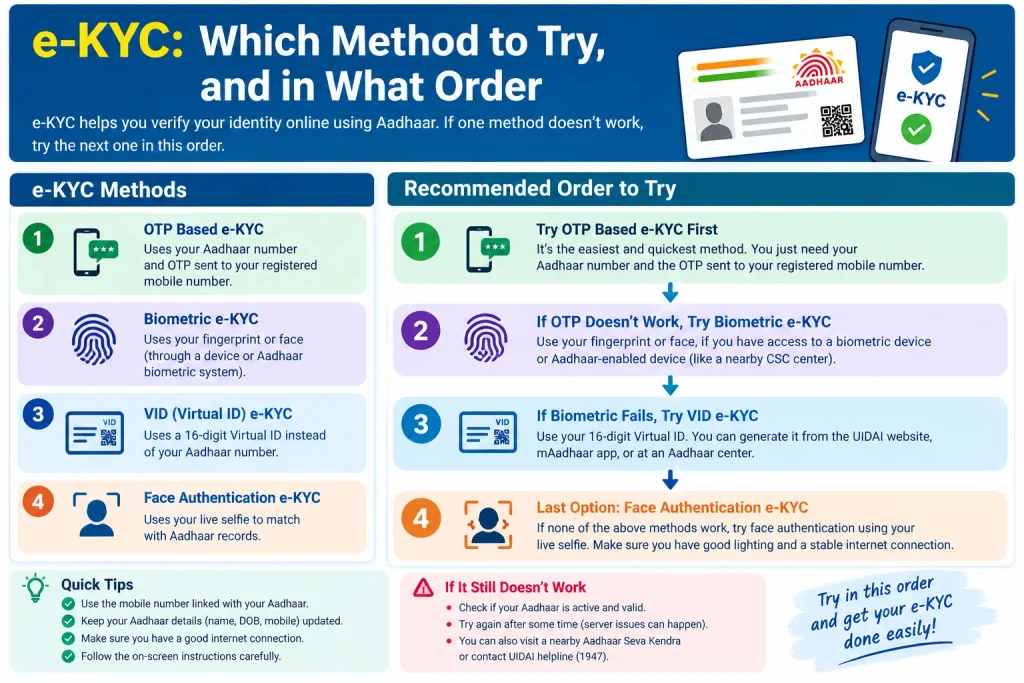
Three routes exist, and they fail for different reasons.
OTP-based e-KYC on the PM Kisan portal or app is fastest — if your mobile number is linked to Aadhaar and still active. If the OTP never arrives, this route is closed to you until you update your mobile number at an Aadhaar Seva Kendra.
Biometric e-KYC at a Common Service Centre (CSC) or State Seva Kendra works for most people, but elderly farmers and manual labourers frequently fail fingerprint authentication because the ridges have worn down. If your first attempt fails, ask the operator to try again with a different finger before giving up.
Face authentication through the PM Kisan app paired with the Aadhaar Face RD app is the newest option. It works poorly in low light and on entry-level phones, so try it outdoors in daylight and close all other apps first.
If all three fail, that is a legitimate reason to call the helpline — not to ask “how do I do e-KYC,” but to report that every available method has failed and request guidance on escalation.
Documents to Keep Ready
For a helpline call or a CSC visit, gather these first:
- Aadhaar card (farmer and spouse)
- Bank passbook showing account number and IFSC code
- The mobile number linked to Aadhaar, if OTP verification is involved
- Land records or khatauni
- PM Kisan registration number, if you have one
If your mobile number is not linked to Aadhaar, an Aadhaar Seva Kendra visit is usually the prerequisite step — OTP-based verification simply cannot proceed without it.
Common Mistakes to Avoid
Assuming eligibility is enough. Being an eligible farmer and being a paid farmer are different things. e-KYC completion and correct Aadhaar seeding sit between the two.
Ignoring small name discrepancies. A missing initial or a different spelling between Aadhaar and your bank passbook is enough to block a credit. Get it corrected at the branch rather than hoping the system will overlook it.
Waiting until the next instalment to act. If your status shows a pending item today, fix it now. Corrections made after the instalment window closes typically apply to the following cycle, not the current one.
Calling the helpline for problems it can’t fix. Name corrections and land record updates are bank and revenue office tasks. The helpline can tell you where to go, but it cannot make the change itself.
FAQs
Q: What is the PM Kisan toll-free number?
A: 1800-115-526, free from any mobile or landline in India. The alternate helpline is 155261.
Q: Can I resolve my issue without calling?
A: Often, yes. Checking beneficiary status on pmkisan.gov.in frequently reveals the exact pending item — usually e-KYC or land seeding — that you can then address directly.
Q: My instalment hasn’t arrived but I’m eligible. What now?
A: Check your status online first. If it shows e-KYC pending or a bank seeding failure, fix that. If everything shows clear and the payment still hasn’t arrived, call the helpline with your registration number and the last credited instalment date.
Q: Is e-KYC still mandatory?
A: Yes. Instalments are withheld without completed e-KYC, though the accepted verification methods have expanded over time.
Q: My OTP never arrives for e-KYC. What are my options?
A: This usually means your mobile number isn’t linked to Aadhaar. Complete biometric e-KYC at a CSC instead, and update your mobile number at an Aadhaar Seva Kendra when convenient.
Q: How long should I wait after fixing an error before checking again?
A: Give it a few working days before re-checking status. If the next instalment date passes and the correction still hasn’t reflected, follow up with the helpline rather than assuming it will self-correct.
Most PM Kisan payment problems trace back to one of two things: an e-KYC that never completed, or an Aadhaar–bank link that broke somewhere along the way. Both are fixable, but neither fixes itself. The practical move is to check your beneficiary status today rather than during the next instalment rush — corrections made during a quiet window tend to reflect faster than those submitted the week a payment is due.

1 Comment
Pingback: PM Kisan Complaint Online: How to File a Grievance