


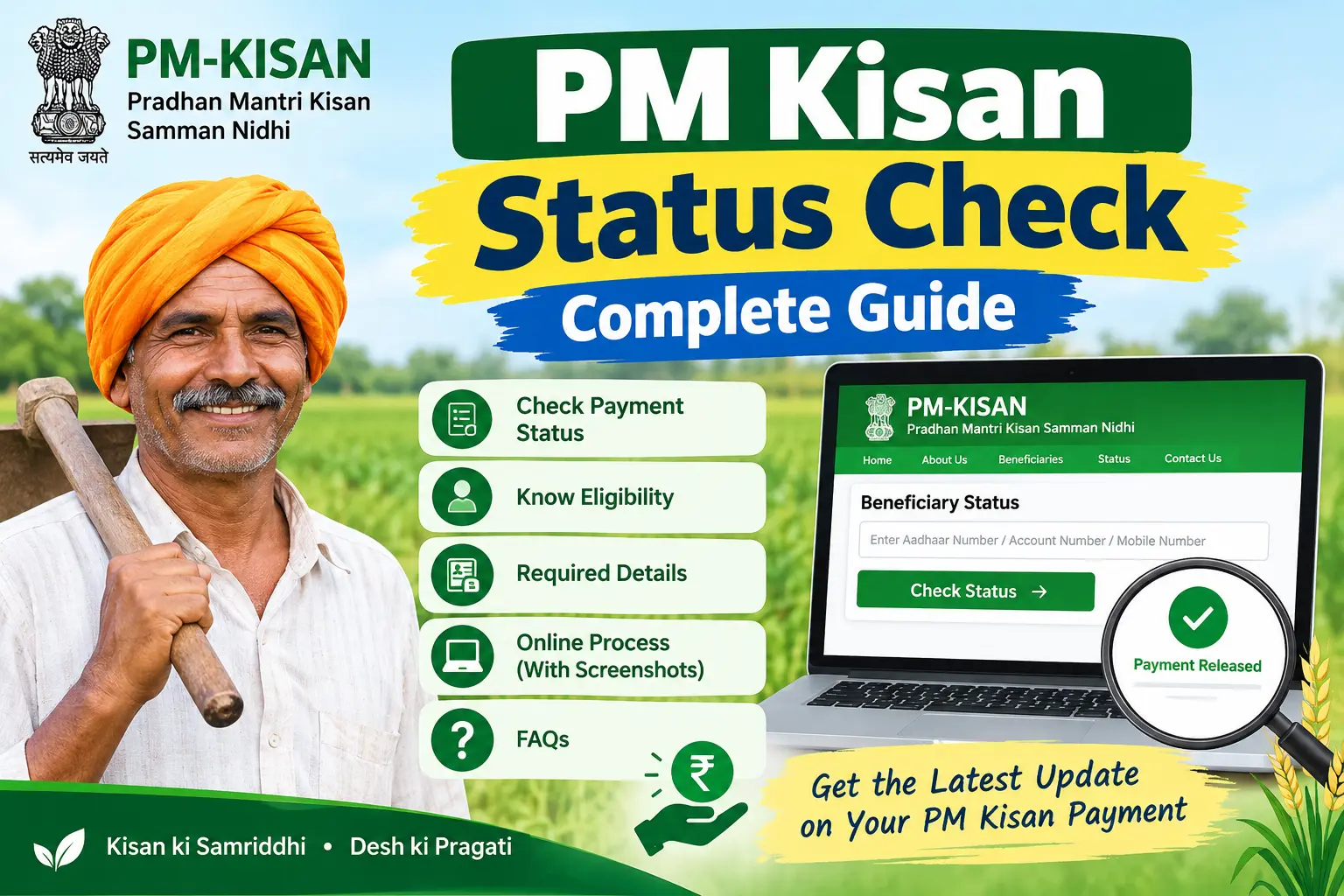
To check your PM Kisan status, visit the official PM-KISAN website and open the Know Your Status page. Enter your Registration Number, captcha and OTP to view your payment and beneficiary details. The status page can show information related to your installment, payment status and e-KYC.
The PM-KISAN scheme provides ₹6,000 per year in three installments of ₹2,000 to eligible farmer families. If your installment is pending, failed or not received, checking your PM Kisan status can help identify the issue.
The Pradhan Mantri Kisan Samman Nidhi (PM-KISAN) provides ₹6,000 per year to eligible farmer families in three installments of ₹2,000. To check your latest PM Kisan payment and beneficiary details, use the official PM-KISAN Know Your Status page. You can check your status using your Registration Number and OTP. The status page can show payment details, e-KYC status, bank information, and other beneficiary details.
Why Your PM Kisan Status Matters More Than Ever
The scheme, launched in February 2019, initially covered only small and marginal farmers. It was later expanded to all landholding families, excluding certain categories such as income tax payers and government employees. What changed the game for many farmers was the introduction of mandatory e-KYC (electronic Know Your Customer — a digital identity verification process).
e-KYC and correct beneficiary/bank details are important for receiving PM-KISAN benefits. If there is an issue with e-KYC, bank details, Aadhaar-related verification or land records, the payment may be affected.
Discover More About:👇
PM Kisan Status Check by Aadhaar Card
PM Kisan Beneficiary Status Check Online: A Complete Guide for Farmers
PM Kisan Status Check Balance / Payment Status
How to Check PM Kisan Status Online
You can check your PM Kisan payment and beneficiary details through the official PM-KISAN Know Your Status page.
- Open the official PM-KISAN website.
- Go to Know Your Status.
- Enter your Registration Number.
- Enter the captcha shown on the page.
- Click Get OTP.
- Enter the OTP received on your registered mobile number.
- Submit the OTP to view your PM Kisan status and payment details.
The status page can provide information such as payment status, credited amount, payment date, bank details, UTR information and e-KYC status.
Official status page: https://www.pmkisan.gov.in/beneficiarystatus_new.aspx
Checking Status Through the PM Kisan Mobile App
The PM-KISAN mobile app, available on the Google Play Store, does everything the portal does — and adds face authentication for e-KYC, which matters if your Aadhaar-linked mobile number is outdated or you can’t reach a CSC.
- Install the official PM-KISAN app.
- Tap “Beneficiary Status.”
- Enter your Aadhaar number or registered mobile number.
- View the full history of credited installments, including the latest one.
The face authentication feature is genuinely useful for farmers in remote areas. Instead of travelling to a Common Service Centre for biometric verification, you can complete e-KYC by scanning your face through the app. Watch for one thing: the app requires a stable internet connection during face scan. If it fails midway, close the app completely and restart rather than retrying immediately.
What Each Status Message Means
When you run a pm kisan status check, the result usually falls into one of these categories:
Payment Success — Your installment has been transferred. If your passbook doesn’t reflect it yet, wait one or two working days; bank crediting timelines vary.
Payment Failed — The transfer was attempted but rejected. This typically points to incorrect bank details, a dormant or closed account, or Aadhaar not properly linked to your bank account.
Pending — Your payment is still being processed or is on hold. Incomplete e-KYC and land records under verification are the usual reasons.
e-KYC Status: No — Your installment will remain withheld until you complete verification.
Active/Inactive — This shows whether your name currently appears in the active beneficiary list. If marked inactive, contact your local agriculture office to find out why.
Common Reasons for Payment Delays
Incomplete e-KYC can prevent an eligible beneficiary from receiving an installment until verification is completed.
Aadhaar seeding is the second major blocker. DBT payments require your Aadhaar number to be linked to an active savings account. If the linkage is missing, the transfer fails automatically. Incorrect IFSC codes, closed or dormant accounts, and name spelling mismatches between your Aadhaar and bank records cause the same result.
Land record discrepancies can also hold things up. If your land documents are under verification, or your name doesn’t match state revenue records, your installment stays pending until the mismatch is resolved. This often requires a visit to your tehsil or block office, so start early rather than waiting for the next cycle.
What to Do If Your Installment Hasn’t Arrived
If your pm kisan status check shows a problem, work through these steps in order.
Complete or update your e-KYC. Visit the PM-KISAN portal, click the e-KYC link, and verify using the OTP sent to your Aadhaar-linked mobile number. If the OTP doesn’t arrive — a frequent issue when your mobile number isn’t updated in Aadhaar — visit your nearest Common Service Centre (CSC) for biometric verification, or use face authentication through the mobile app.
Confirm your bank account is active and Aadhaar-seeded. Visit your bank branch and ask specifically whether your Aadhaar is linked to your savings account and whether the account is active. If it’s dormant, reactivate it. If it’s closed, open a new one and update the details on the portal.
Check with your local agriculture office. If the issue persists, visit your tehsil or block agriculture office with your Aadhaar, bank passbook, and land documents. Ask them to check your payment status and correct any errors in your records.
Use the grievance channels. The PM-KISAN portal has a grievance redressal section. Keep your Aadhaar number and bank account details handy when you file a complaint or call the helpline.
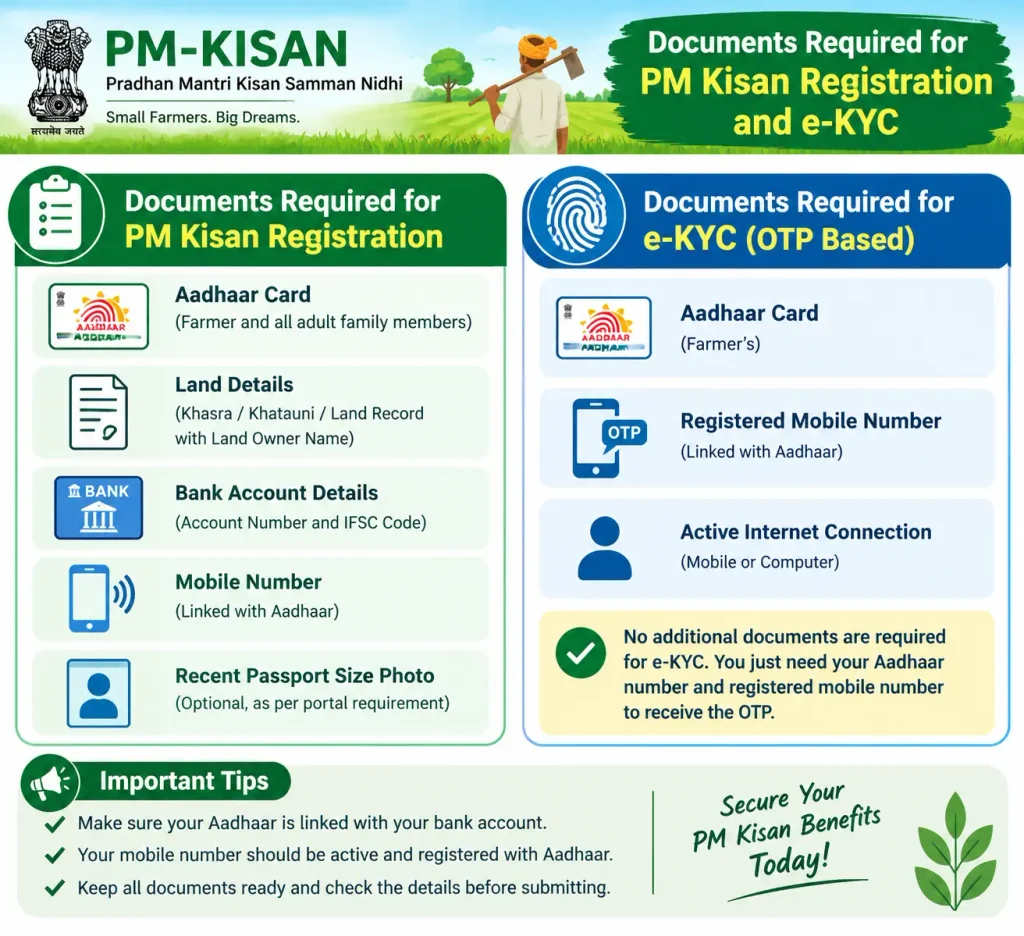
Documents Required for PM Kisan Registration and e-KYC
If you’re registering for the first time or updating your details, keep these ready:
- Aadhaar card — mandatory for identity verification and e-KYC.
- Bank account details — account number and IFSC of an active savings account, preferably Aadhaar-linked.
- Land ownership records — state-specific documents such as Khata, Khasra, Jamabandi, or Patta showing ownership of cultivable agricultural land.
- Aadhaar-linked mobile number — needed for OTP verification during registration and e-KYC.
Ensure all documents are legally valid and current. Forged or invalid documents can lead to cancellation of benefits and penal action.
Discover More About:👇
PM Kisan KYC Status Check Kaise Kare
PM Kisan Status Check by Name / Village List
Frequently Asked Questions
How can I check my pm kisan status list?
Visit the PM-KISAN portal, click “Beneficiary Status” under Farmers Corner, and enter your Aadhaar number, mobile number, or bank account number. The pm kisan status list of active beneficiaries is also available on the portal for public viewing.
Is e-KYC mandatory for receiving PM Kisan installments?
Yes. Without completing e-KYC, your installment is withheld even if you’re otherwise eligible. You can verify through OTP, biometric authentication at a CSC, or face authentication through the mobile app.
What should I do if my PM Kisan payment shows “Failed”?
A failed payment usually means a problem with your bank account or Aadhaar linkage. Visit your bank to confirm your Aadhaar is linked to an active savings account and your KYC is complete. Then update any incorrect details on the PM-KISAN portal or at your local agriculture office.
Can I check PM Kisan status without Aadhaar?
Yes. The portal allows you to check your status using your registered mobile number or bank account number as alternatives.
How often is the PM Kisan installment released?
The ₹6,000 annual benefit is typically released in three installments of ₹2,000 roughly every four months. Release dates vary, so checking the portal is the most reliable way to know when your installment has been processed.
If your status still shows “Pending” or “Failed” a week after completing e-KYC and correcting your bank details, don’t wait for the next cycle to sort itself out — visit your block agriculture office with your documents and ask them to escalate the case. Delays that look like technical glitches sometimes turn out to be record mismatches that only a local office can fix.

5 Comments
Pingback: PM Kisan Beneficiary Status Check Online – Complete Guide
Pingback: PM Kisan Status Check Aadhar Card – Online Guide
Pingback: PM Kisan Status Check Balance – Payment Status Online
Pingback: PM Kisan Status KYC Check Kaise Kare – Complete Guide
Pingback: PM Kisan Status Check Name List